User guide
Pick your section, then follow the steps.
Customer
Order medicines, talk to the AI Doctor, track your health and request blood.
- 1
Sign in with your phone
Enter your mobile number, tap Send code and type the code you receive by SMS.
Open this page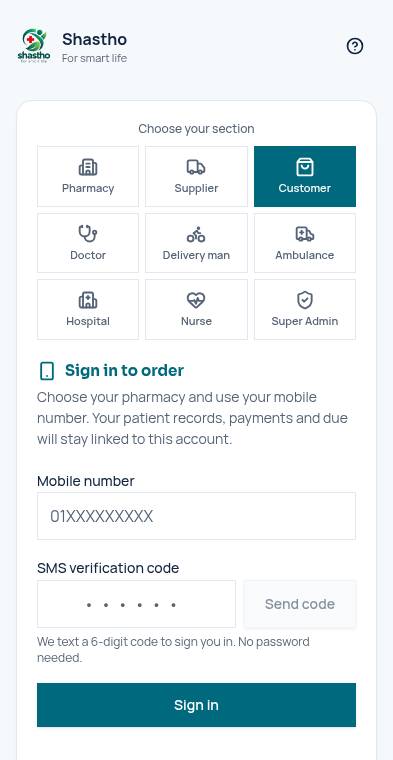
- 2
Your dashboard
The green strip shows your latest sugar and pressure. Tap any shortcut tile to open that section.
Open this page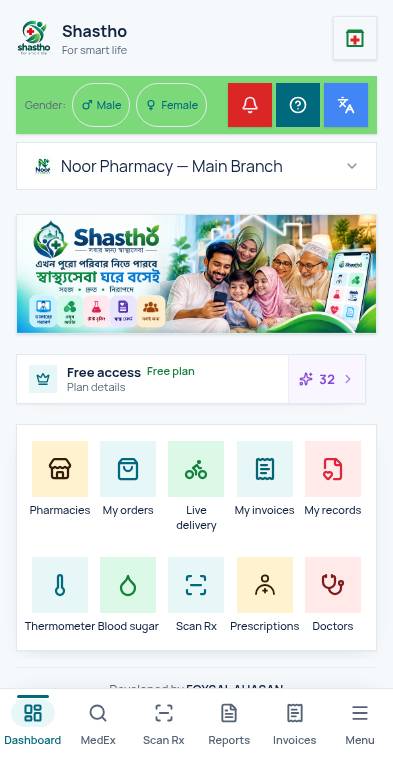
- 3
Choose a pharmacy and order
Tap the pharmacy icon at the top, pick a pharmacy, add medicines to the cart and check out.
Open this page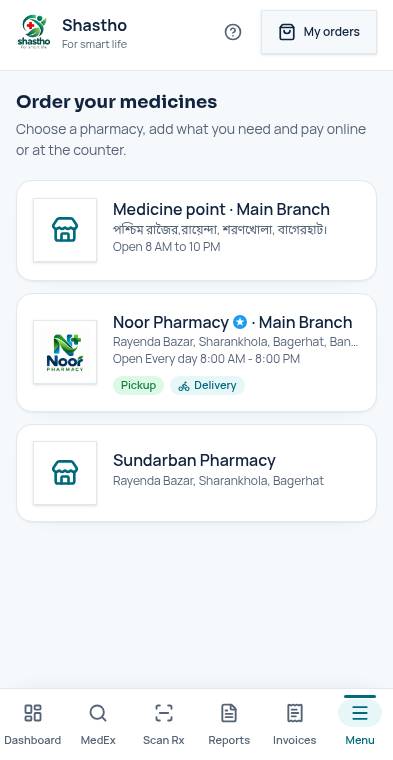
- 4
Scan a prescription
Take a photo of your prescription. Shastho finds the matching medicines; the doctor's dose stays exactly as written.
Open this page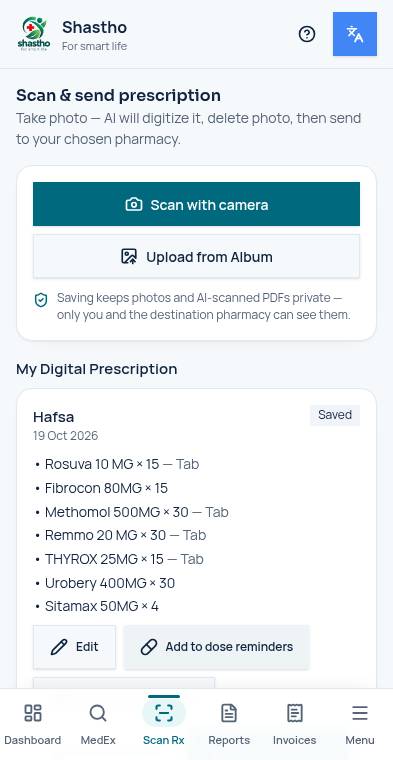
- 5
AI Doctor
Type or speak your problem, upload reports, or start a live call. Credits are charged at the rate shown.
Open this page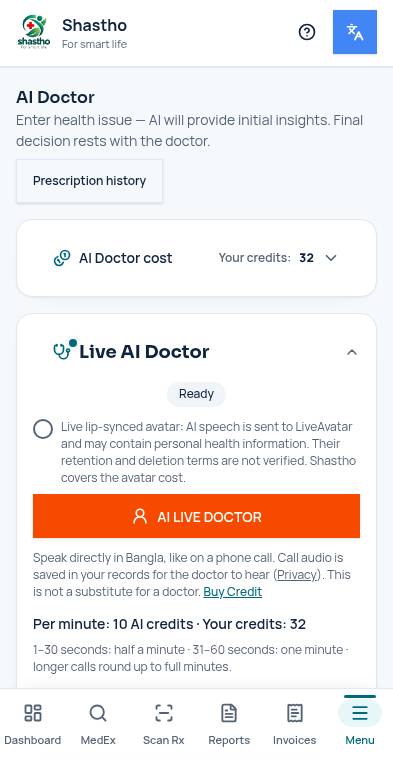
- 6
Record sugar and pressure
Add a reading with the + button. Every reading is saved to your own account only.
Open this page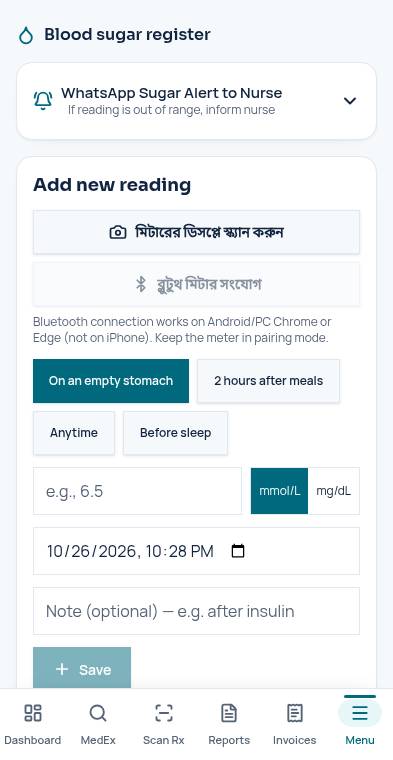
- 7
Blood Bank
Tap Need blood to post a request, or Give blood to register as a donor. Your requests appear under My requests.
Open this page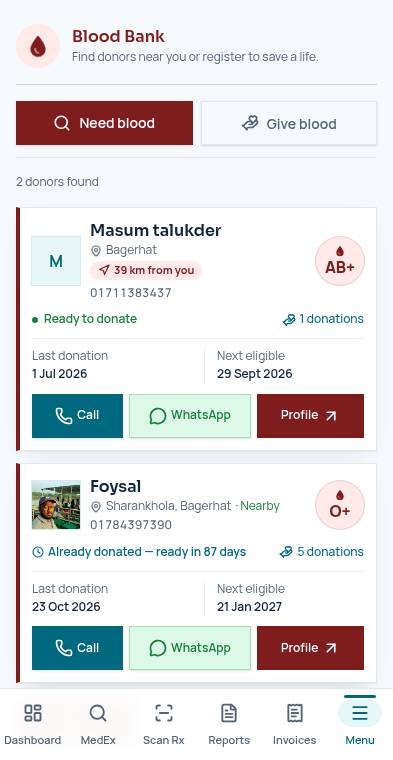
- 8
Wallet and referrals
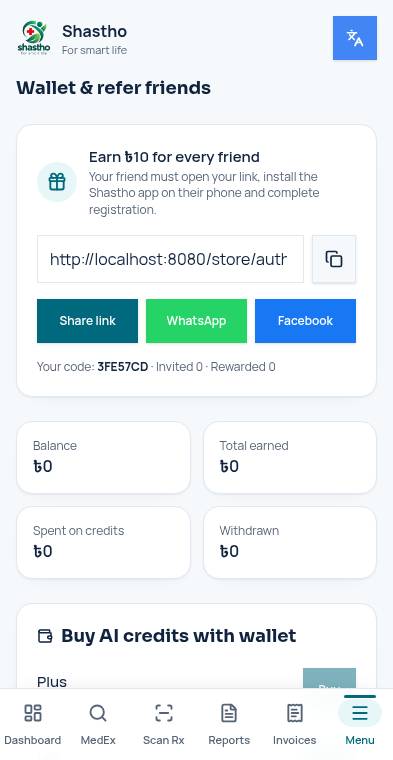
Share your link. When a friend installs and registers, the reward lands in your wallet to buy credits or withdraw.
Open this page