Pick your section, then follow the steps.
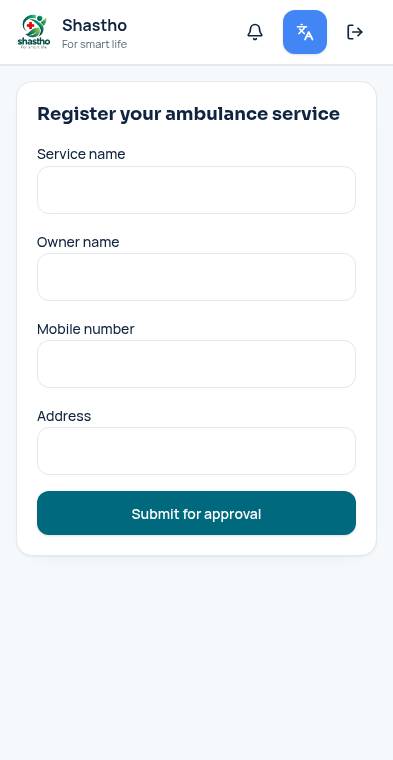
Register vehicles and drivers and take bookings.
See active bookings and earnings.
Add each ambulance with its type and fare.
Add drivers and link them to vehicles.
Accept a request, send a driver and mark the trip complete.