User guide
Pick your section, then follow the steps.
Doctor
Manage patients, write prescriptions and review AI drafts.
- 1
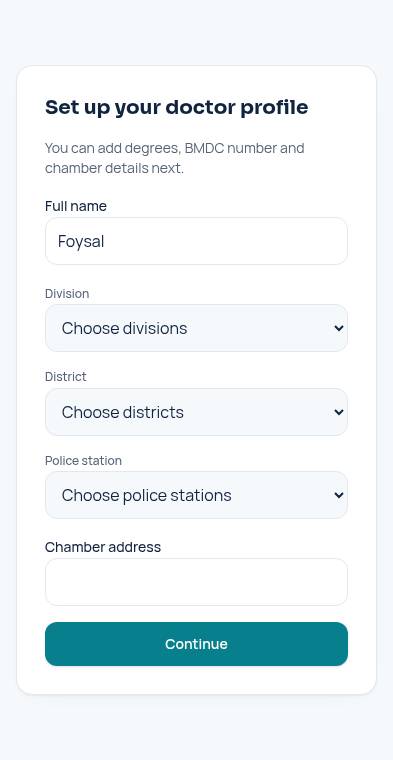
- 2
- 3
- 4
Review AI drafts
Open a draft, give a reason, then approve or reject. The patient sees your decision.
Open this page
Pick your section, then follow the steps.
Manage patients, write prescriptions and review AI drafts.
Open a draft, give a reason, then approve or reject. The patient sees your decision.
Open this page